
Shared hierarchy
Consistent heading, body and supporting text treatments.
What started as a focused Webflow redevelopment grew into a complete website system-combining reusable architecture, connected CMS publishing, custom front-end development, performance work and a handover the team could genuinely use.
The goal was not just to get every page looking right for launch. It was to give Argenti a website they could keep publishing into, measuring and growing without the whole thing becoming harder to manage.
As the website expanded, one-off classes, repeated overrides and page-specific decisions became harder to trace. The answer was not another quick fix. It was clearer ownership across the whole build.
Spacing made this especially obvious. A section could look finished in one view, then behave differently when it was published or tested at another breakpoint. I stopped treating every spacing issue as a separate problem and started tracing which shared system actually owned the layout.
Typography, wrappers, grids, buttons, colour treatments and common components were brought into a reusable foundation. Existing page systems were consolidated where it helped-without rebuilding working sections purely for the sake of making every class name match.
Consistent heading, body and supporting text treatments.
Content wrappers, responsive grids and repeatable section patterns.
Buttons, CTAs, capability tags and image treatments working together.
Shared foundations first, with page-specific logic only where needed.
Reuse first. Override second. Add only what the system genuinely needs.
Blog Posts, Authors, Case Studies and Accelerators were built as connected publishing systems-not pages the team would have to recreate by hand every time something new went live.
Shared capability categories organise content across the website while also supporting filters, colour treatments and related content.
Argenti can update CMS fields while the reusable listings and templates control how that content appears across the website.
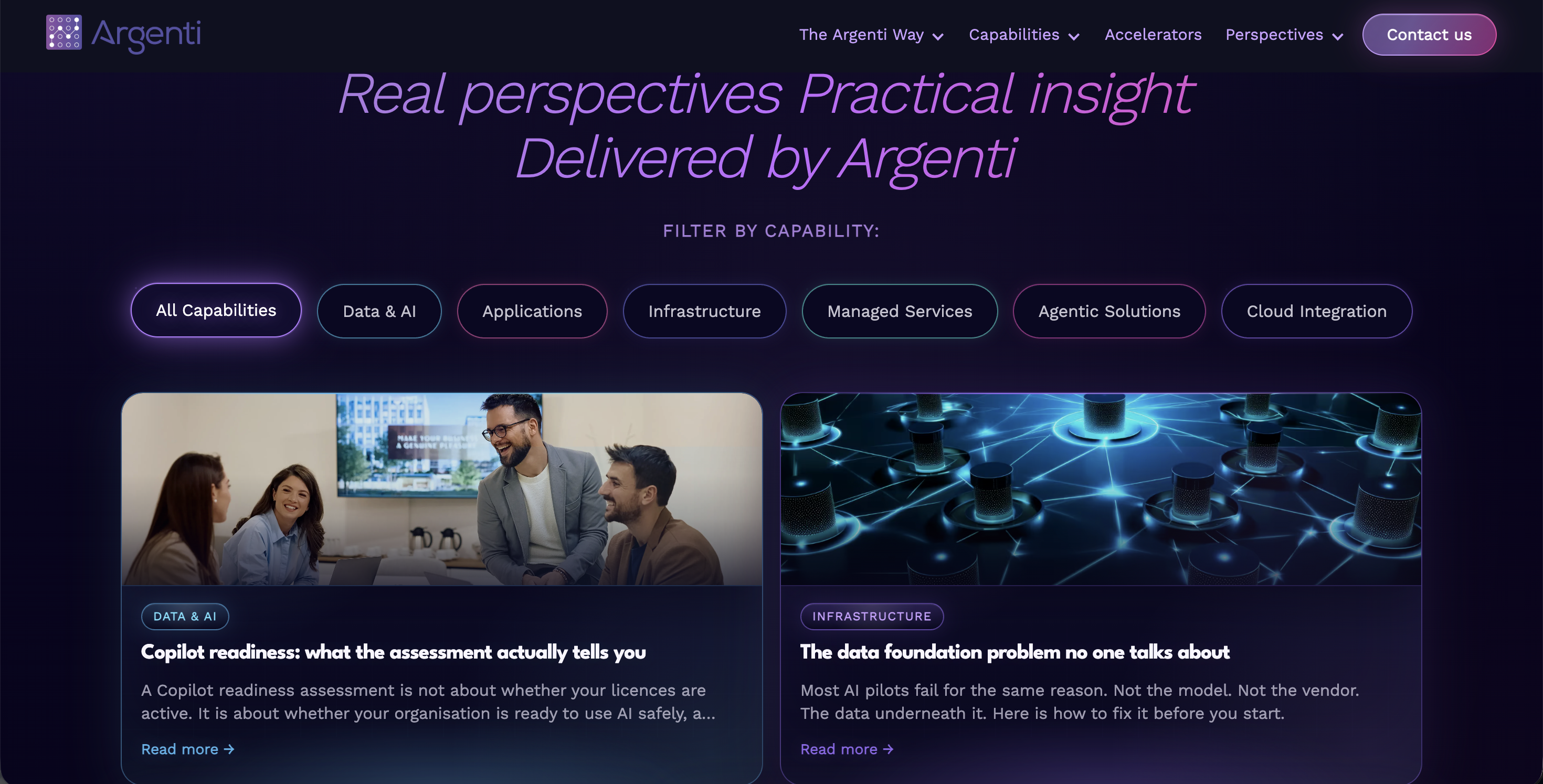
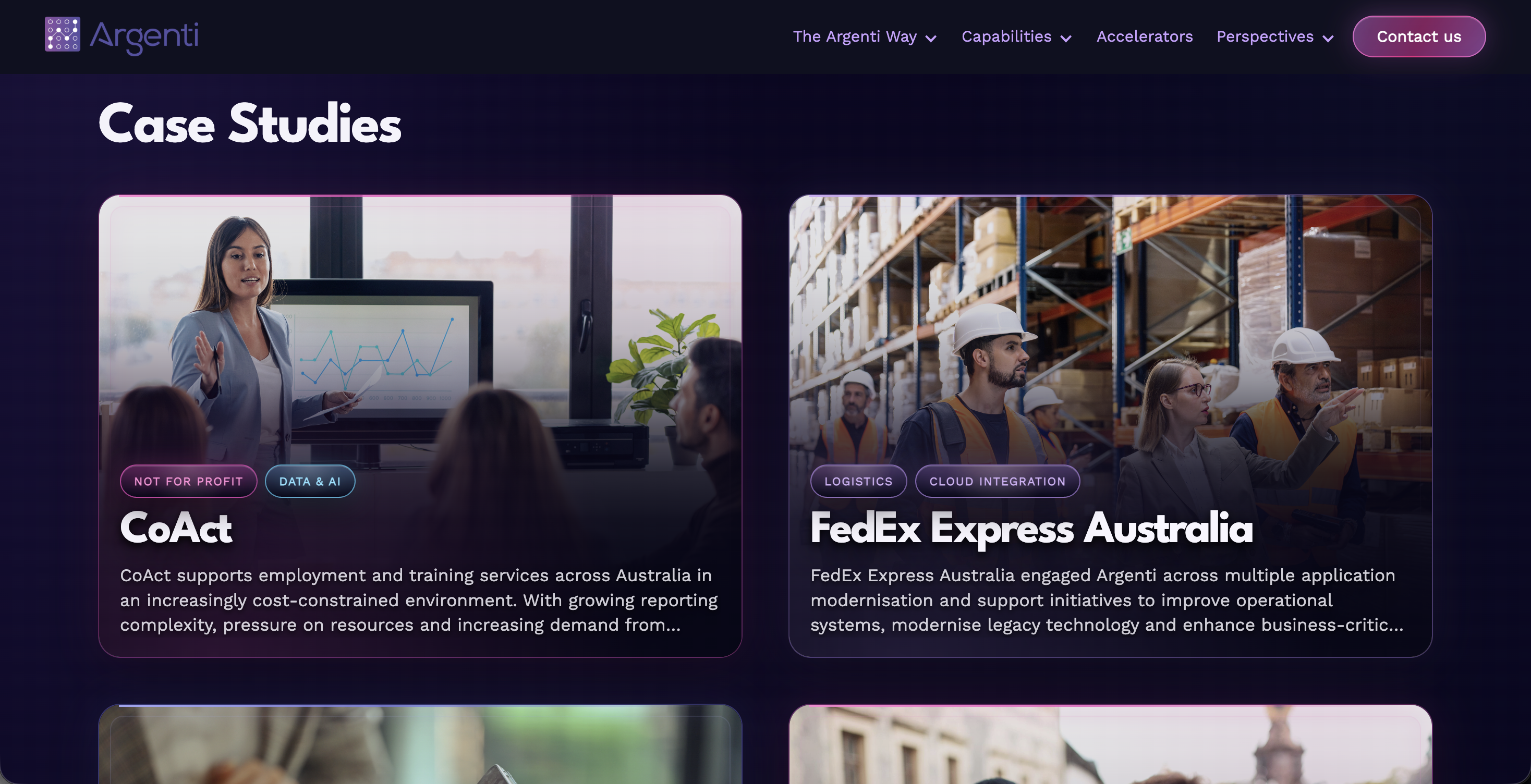
CMS relationships, custom code, responsive behaviour and third-party scripts can all affect the same visible result. This was the part of the build where careful debugging mattered more than adding another workaround.
The filter interface looked simple, but its behaviour depended on CMS categories, capability and industry values, Finsweet attributes, template output and colour logic all working together.
Instead of continuing to change what was visible, I inspected the live published state in DevTools and traced the issue back through the systems that actually controlled it.
The visible problem is not always where the problem lives. Once I stopped asking “what can I add to fix this?” and started asking “which system owns this behaviour?”, the debugging became much clearer.
I am strongest where Webflow stops being simple.Some parts of the site needed their own visual and responsive logic. They were built to feel distinct, without disconnecting from the wider Argenti design language.
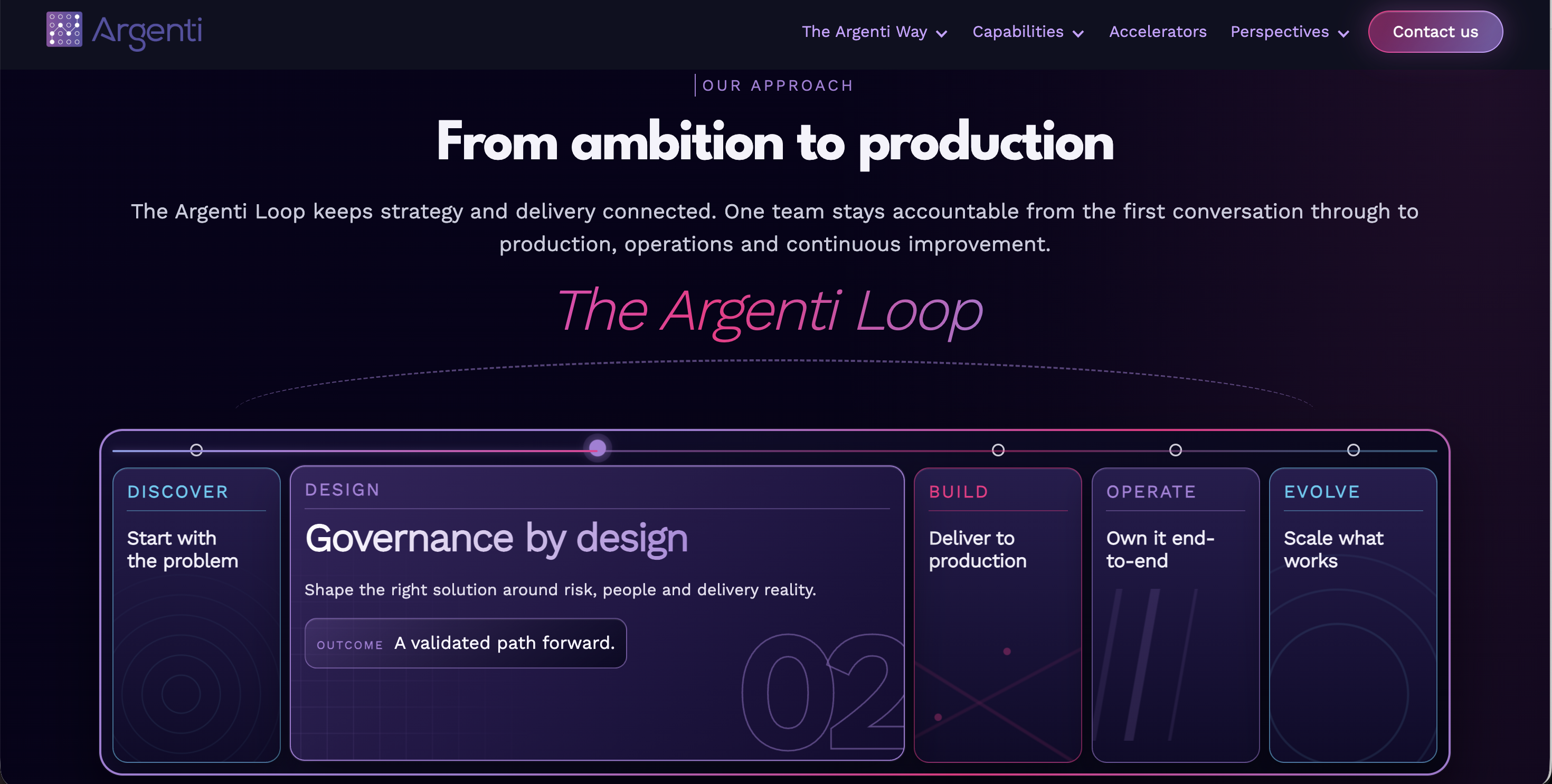
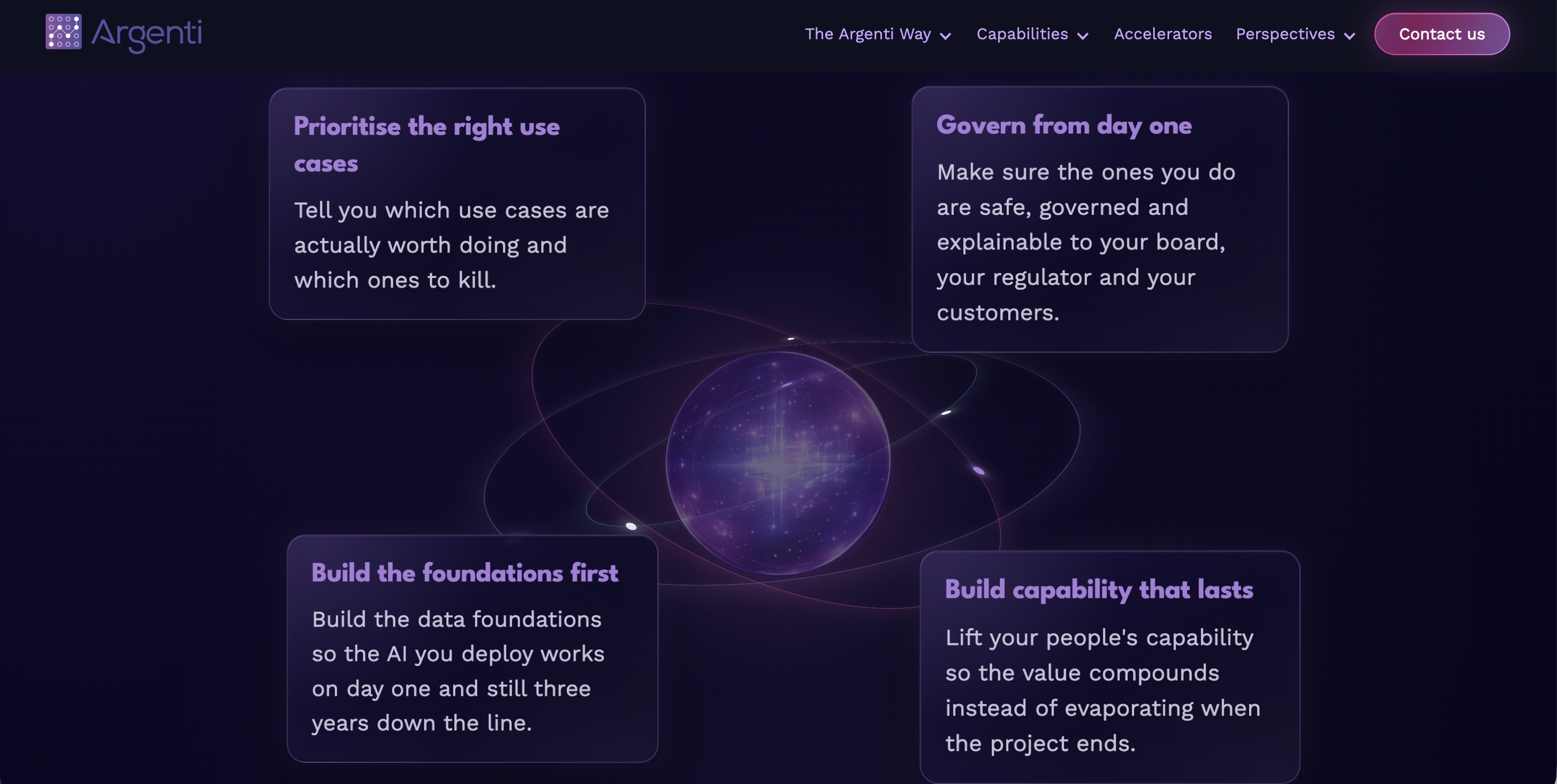

Performance, responsive behaviour, CMS output, forms, tracking and production behaviour were part of the development-not a final check after the design looked finished.
64→93
79→92
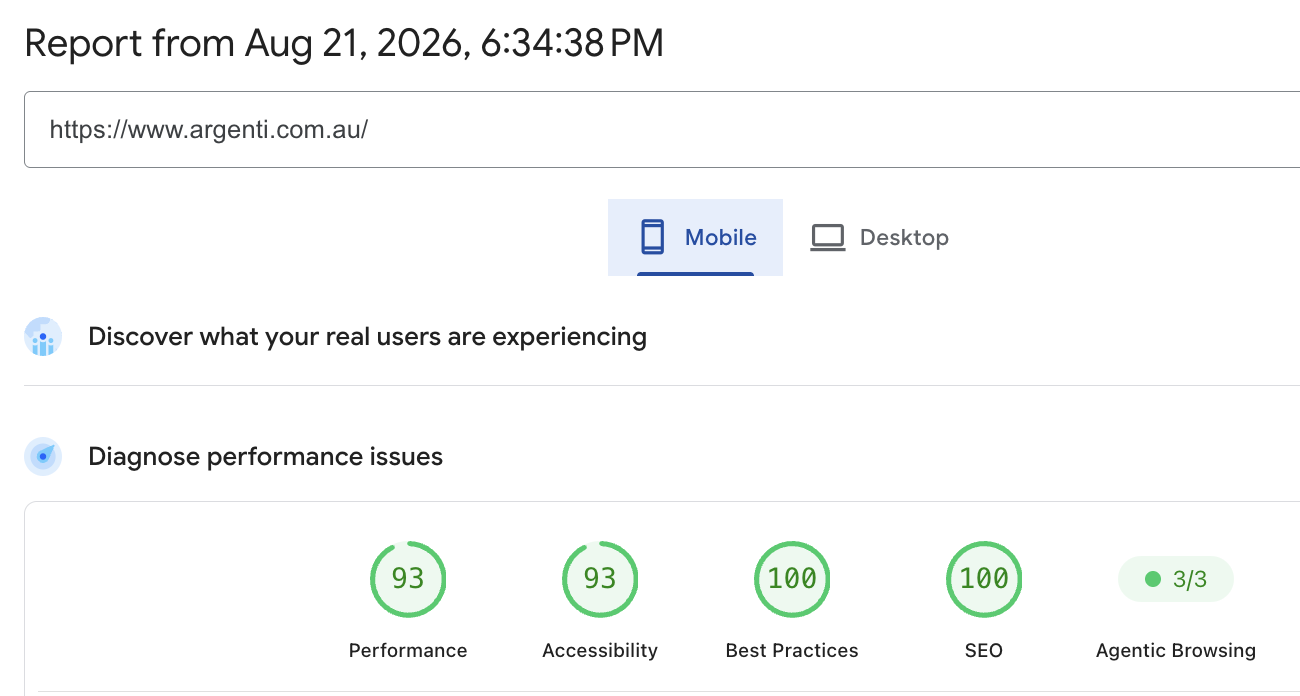
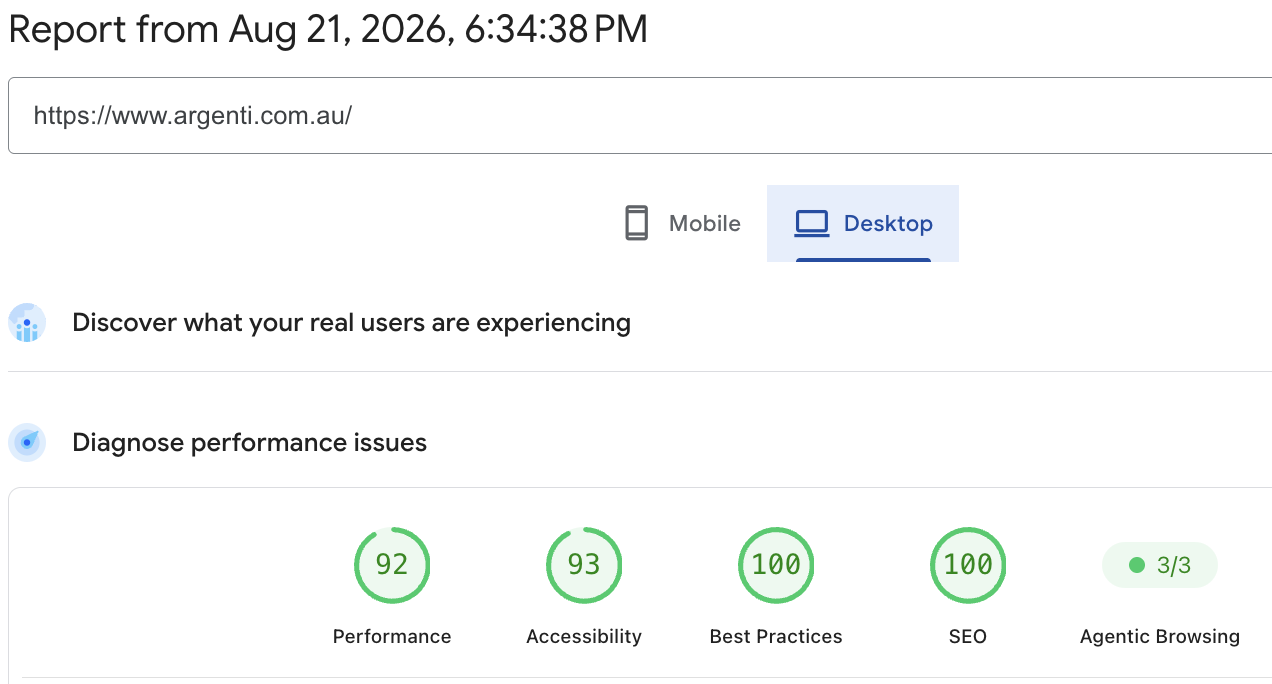
Google PageSpeed Insights · Live production testing · 21 August 2026 · Lighthouse scores are laboratory estimates and can vary between runs.
Final checks covered responsive behaviour, CMS templates, navigation, forms, HubSpot, consent, tracking, redirects, legal links, browser behaviour and performance.
CMS administration, the Style Guide, custom-code ownership, integrations, troubleshooting and launch processes were documented so the team could understand what they were inheriting.
The finished website became a connected Webflow platform Argenti can publish into, measure, maintain and continue growing-supported by reusable architecture, structured CMS publishing, custom front-end development, technical QA and a documented handover.